> For the complete documentation index, see [llms.txt](https://docs.flosum.com/llms.txt). Markdown versions of documentation pages are available by appending `.md` to page URLs; this page is available as [Markdown](https://docs.flosum.com/devops/code/code-tools/using-ai-code-documenter.md).
# Using AI Code Documenter
{% hint style="warning" %}
#### Written for the Old UI
This article was written for the old UI. The instructions are still usable, but the screenshots are outdated. In some cases, items referenced in the instructions have moved or changed. If you cannot find an item, see the [Where Did It Go](/devops/new-ui-ux-transition/where-did-it-go.md) article.
{% endhint %}
##  Overview
This article explains how to use the AI Code Documenter to automatically generate documentation for a selected component. It helps teams create clear, well-structured code documentation that you can commit to the branch.
{% hint style="info" %}
#### Default AI Limitations
By default, Flosum provides a free shared DeepSeek AI model for DevOps through DeepSeek’s API. Because it is shared across tenants, performance and availability depend on system load and token capacity. During heavy usage, you may see higher latency or temporary errors. To avoid this, you can add your own custom AI model. See the following article.
* [Adding a Custom AI Model](/devops/settings/ai-settings/adding-a-custom-ai-model.md)
{% endhint %}
{% hint style="info" %}
#### Best Practices
* Run AI Code Documenter on stable code to avoid regenerating comments repeatedly.
* Always review AI comments before committing to ensure accuracy and correct terminology.
* Commit in small, logical chunks to keep review and rollback simple.
{% endhint %}
## Using AI Code Documenter
{% stepper %}
{% step %}
### Select a Branch and Component
1. Click **Code** from the left sidebar menu.
2. Click the branch that contains the component you want to document.
3. Click the component you want to document.
{% endstep %}
{% step %}
### Create Documentation
1. Click **AI Tools** next to **Edit**.
2. Click **AI Code Documenter** from the dropdown menu.
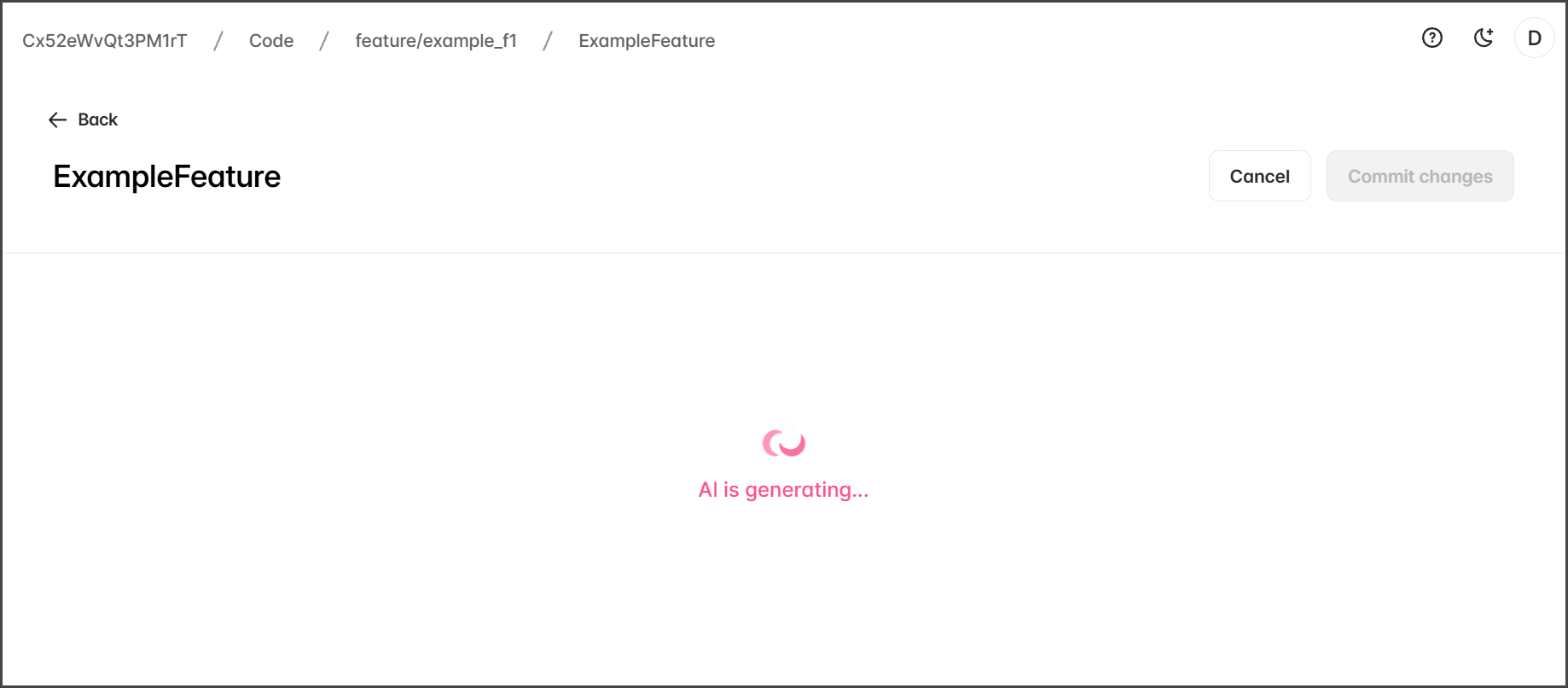
3. While the documentation is being generated, **AI is generating...** is displayed.
4. When AI Code Documenter finishes, the difference viewer opens, with the original on the left and AI changes on the right.
5. Review the changes and make any necessary edits.
6. Click **Commit changes**.
7. Enter a **Commit message**.
8. Click **Commit**.
{% endstep %}
{% endstepper %}
---
# Agent Instructions
This documentation is published with GitBook. GitBook is the documentation platform designed so that both humans and AI agents can read, navigate, and reason over technical content effectively. Learn more at gitbook.com.
## Querying This Documentation
If you need additional information that is not directly available in this page, you can query the documentation by asking a question.
Perform an HTTP GET request on the following URL with the `ask` and `goal` query parameters:
```
GET https://docs.flosum.com/devops/code/code-tools/using-ai-code-documenter.md?ask=&goal=
```
`ask` is the immediate question: it should be specific, self-contained, and written in natural language.
`goal` is what the user is ultimately trying to achieve, the reason they need the answer. Sharing it helps GitBook give you a better, more relevant answer. A goal is most helpful when it describes the outcome the user wants rather than restating the question. For example, with `ask=how do I create an API token`, a goal like `automate deployments from our CI pipeline` lets GitBook tailor the answer to that use case.
The response will contain a direct answer to the question and relevant excerpts and sources from the documentation.
Use this mechanism when the answer is not explicitly present in the current page, you need clarification or additional context, or you want to retrieve related documentation sections.