> For the complete documentation index, see [llms.txt](https://docs.flosum.com/llms.txt). Markdown versions of documentation pages are available by appending `.md` to page URLs; this page is available as [Markdown](https://docs.flosum.com/global-settings/user-management/users/creating-a-user.md).
# Creating a User
{% hint style="success" %}
#### Required User Credentials
\[**Flosum User**] - **SystemAdministrator** Role
{% endhint %}
## Overview
This article explains how to create a user account for your Flosum tenant. The System Administrator is responsible for adding all user accounts within the tenant. Once the account is created, the user will need to log in and change the temporary password assigned by the administrator.
{% hint style="info" %}
Before creating a user, you must first have a Group to assign the user to. To learn more about how Flosum Roles, Groups, and Users function, see the following article.
* [Overview of Roles, Groups, and Users](/global-settings/user-management/overview-of-roles-groups-and-users.md)
{% endhint %}
{% hint style="info" %}
To log in to their account for the first time, the user will need the following:
* The **email** address used to create the user.
* The temporary **password** for the user.
* The **URL** to log in to Flosum Apps for the region where the tenant was set up.
The user can follow the instructions in the article below to complete their account registration and set a new password.
* [New User First Login](/global-settings/user-management/users/new-user-first-login.md)
{% endhint %}
## Create a User
{% stepper %}
{% step %}
### Access Global Settings
1. From any **Flosum Cloud App**, click the **App Switcher** icon at the top of the left sidebar menu.
2. Click **Global Settings**.
3. The **Global Settings** app will open in a new tab.
{% hint style="info" %}
Global Settings can also be accessed by logging in directly via the Flosum Cloud Apps Login URL. See the following article for login instructions.
* [Log In To Global Settings](/global-settings/getting-started/log-in-to-global-settings.md)
{% endhint %}
{% endstep %}
{% step %}
### Create User
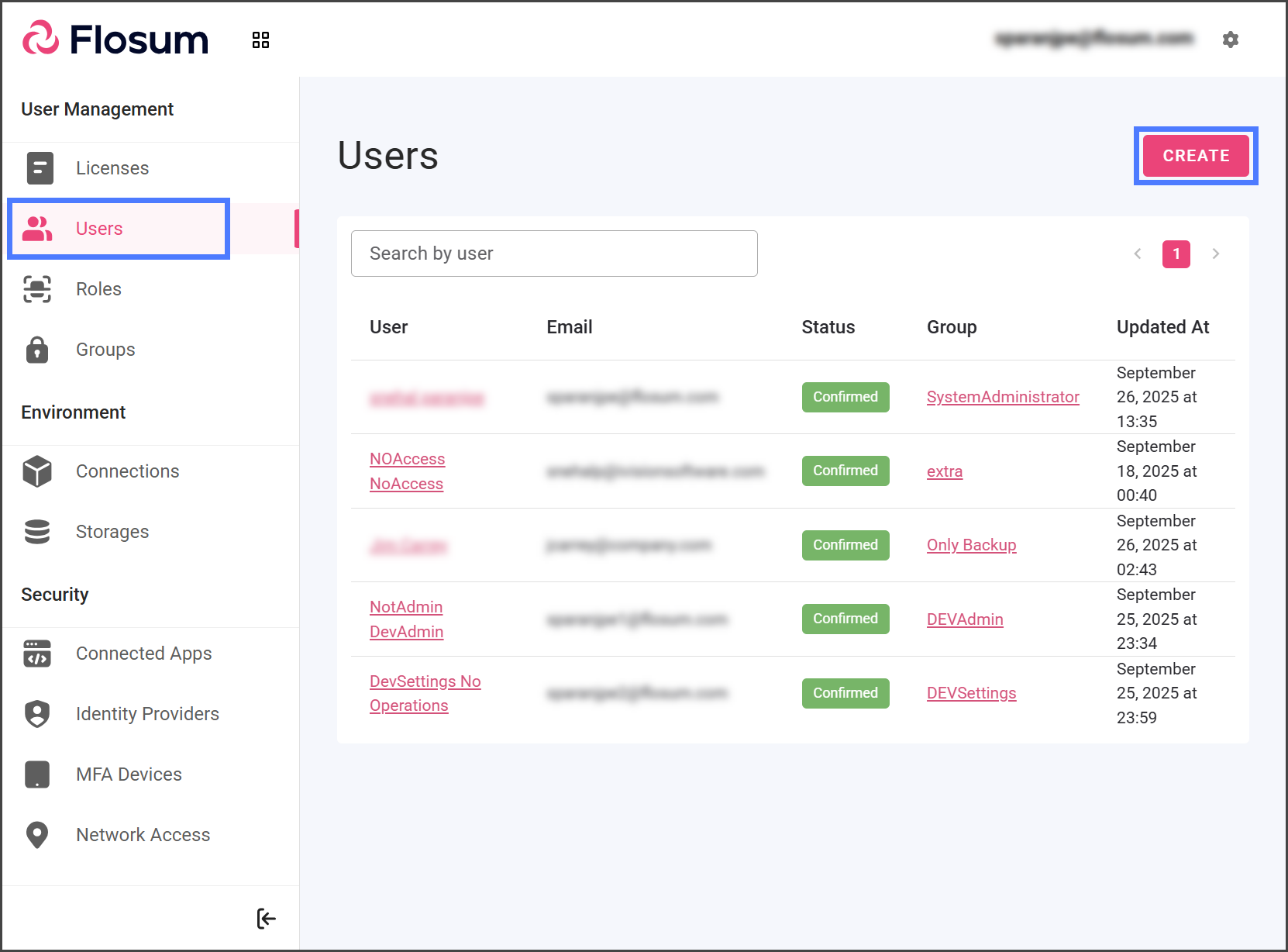
1. Click **Users** from the sidebar menu.
2. Click **Create**.
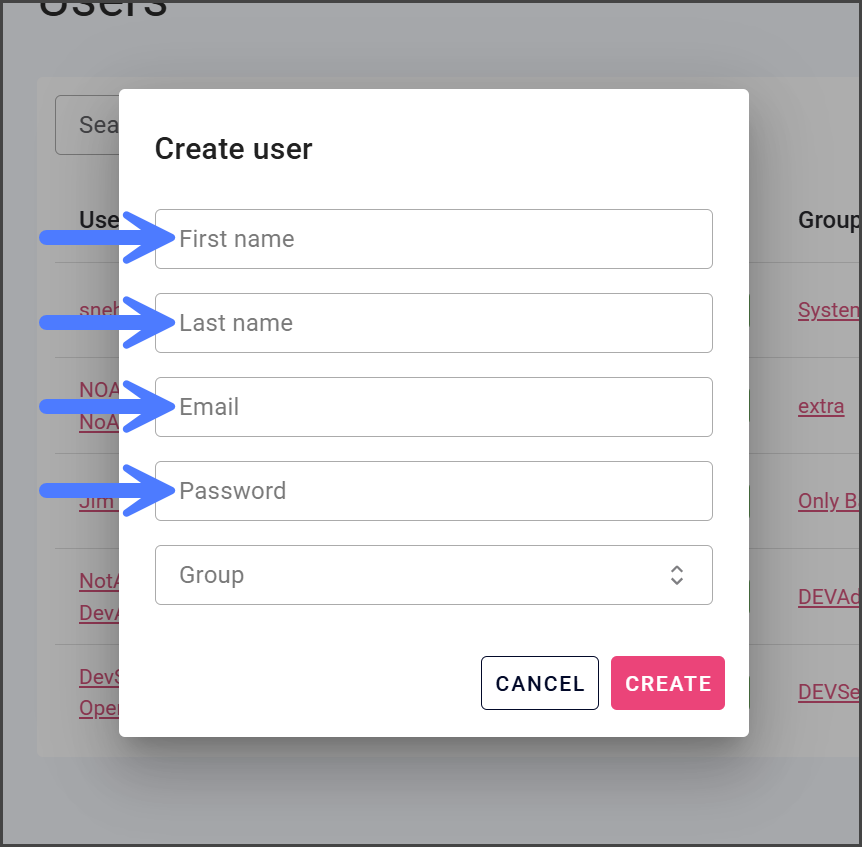
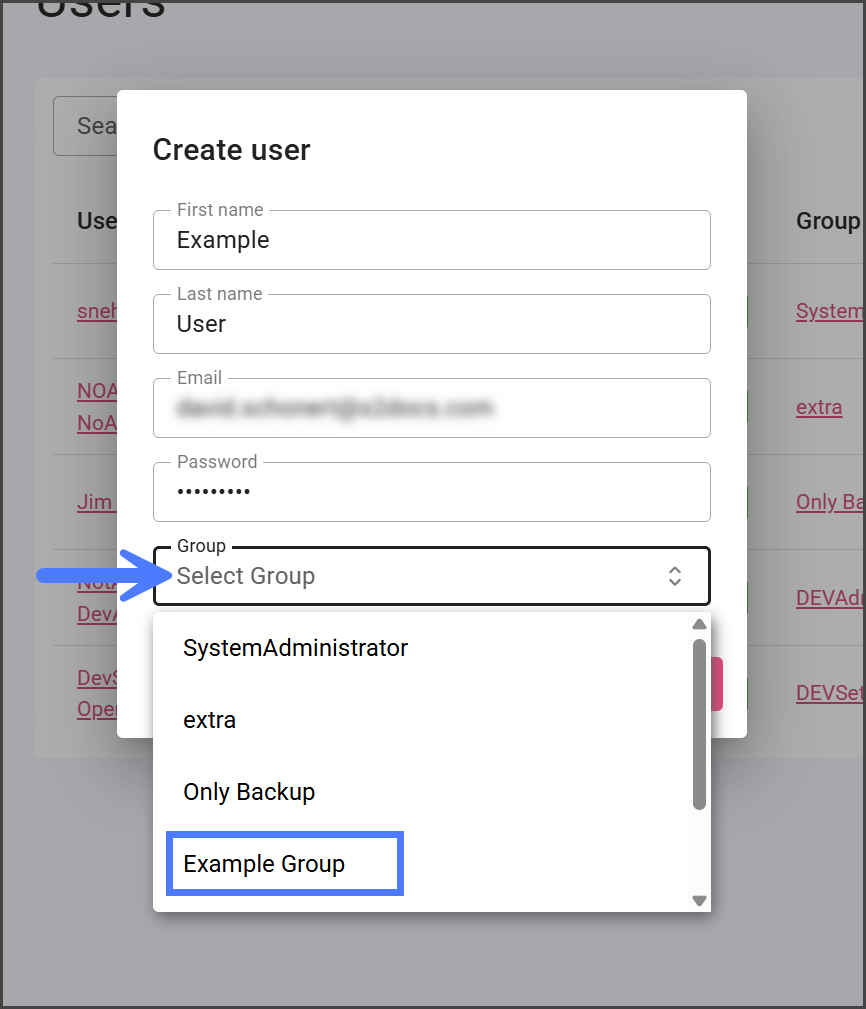
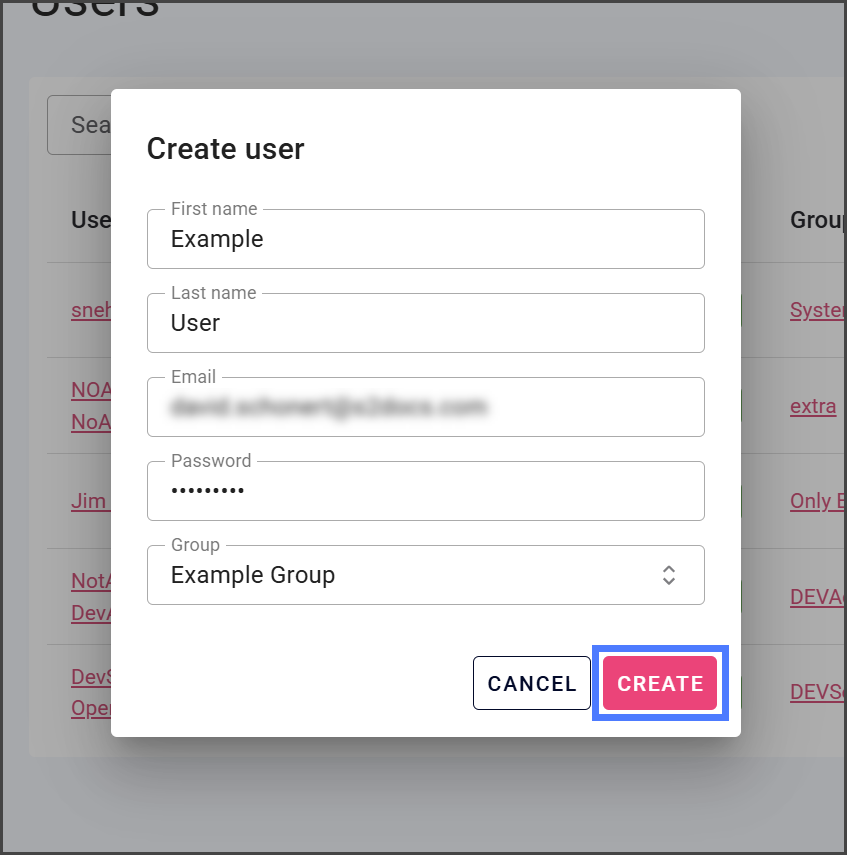
3. Enter the user’s **First Name** and **Last Name**.
4. Enter the user’s **Email** address.
The Email address is used for logging into the Flosum apps by the user. No email is sent to the user once their account is created.
The user will be required to pick a new password when they first log in. All passwords are required to have at least:
- 8 Characters
- 1 Letter
- 1 Number
- 1 Special Character
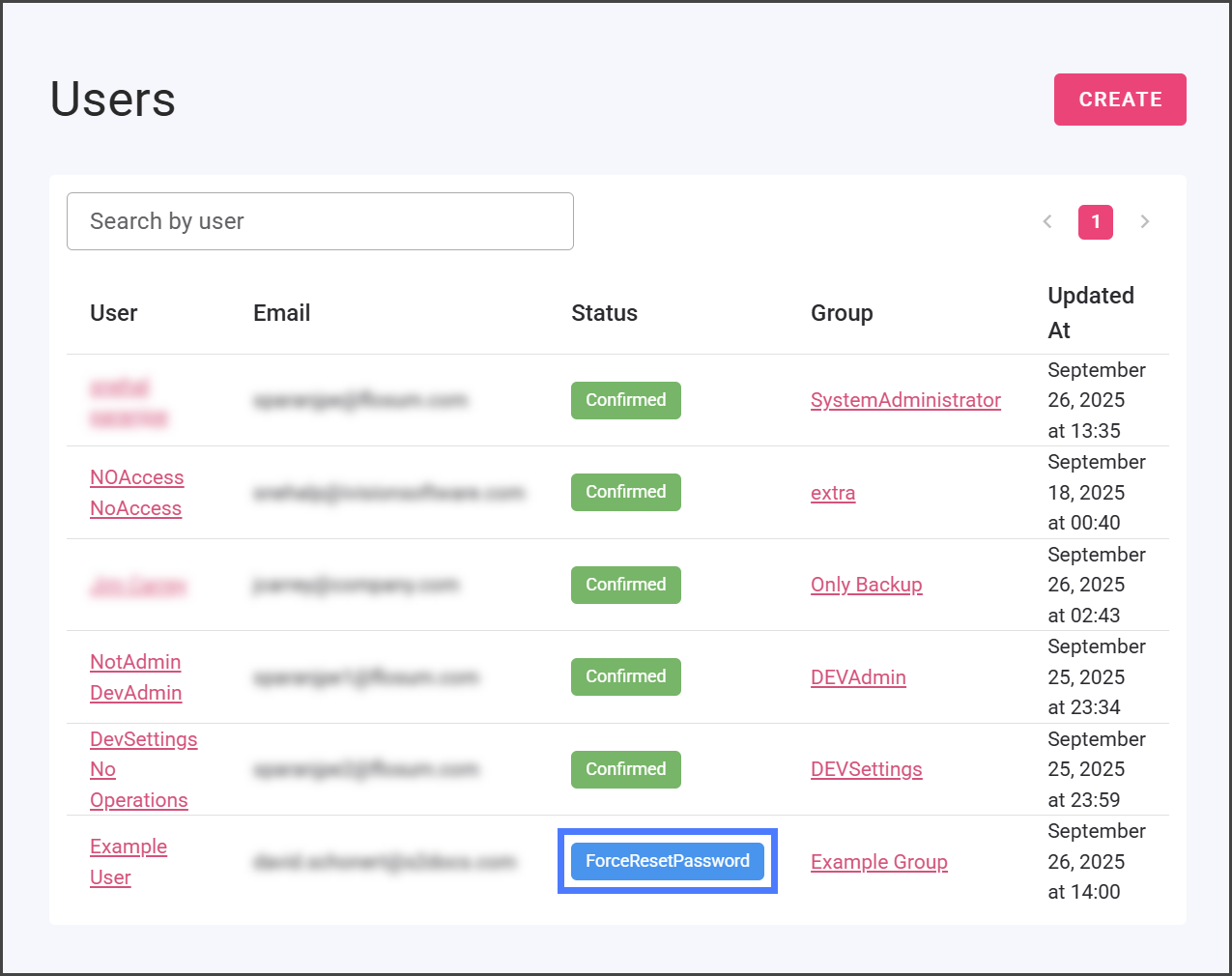
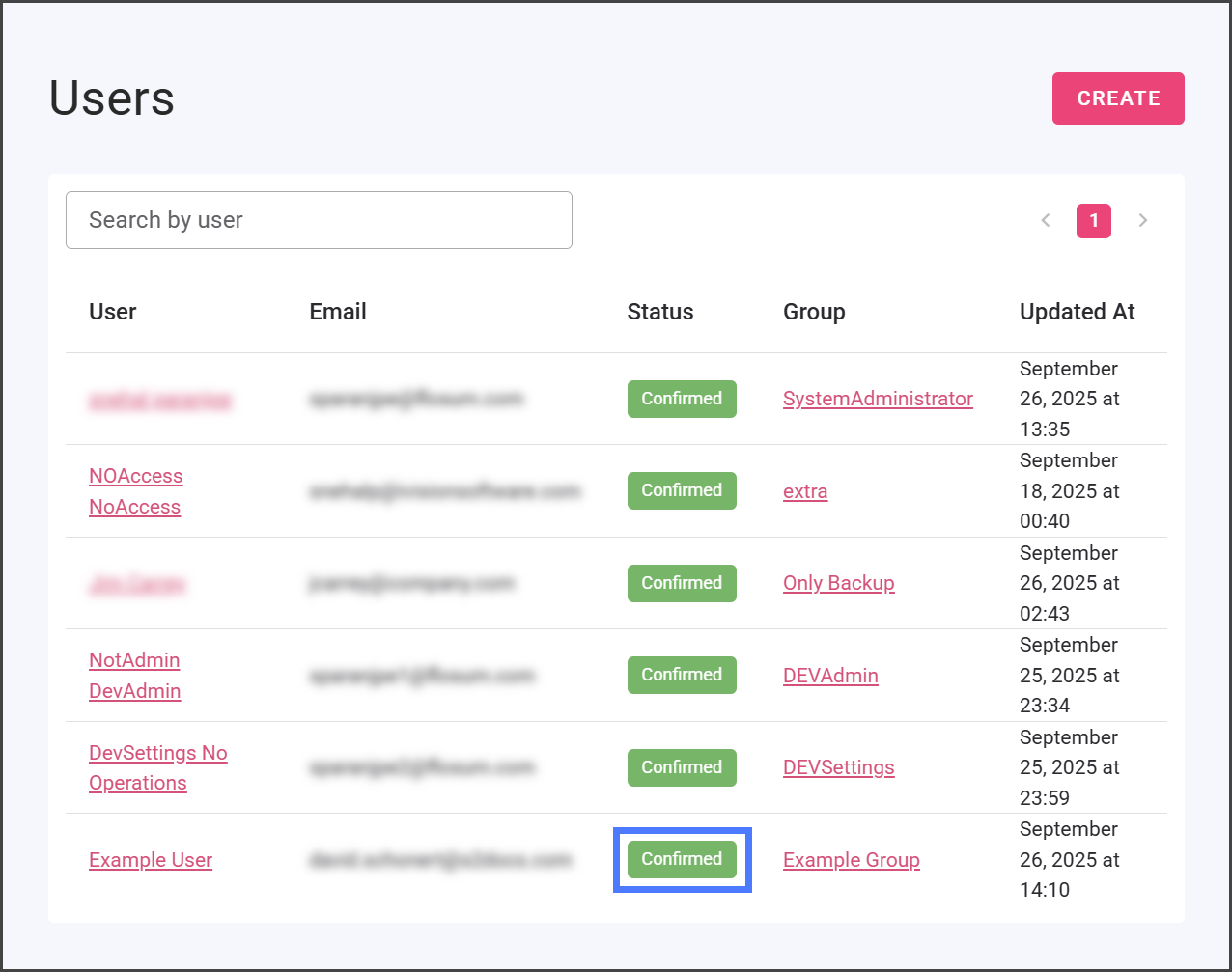
A ForcedResetPassword status indicates that the user must change their password during their first login. Once they have successfully logged in, their status will be updated to Confirmed.